
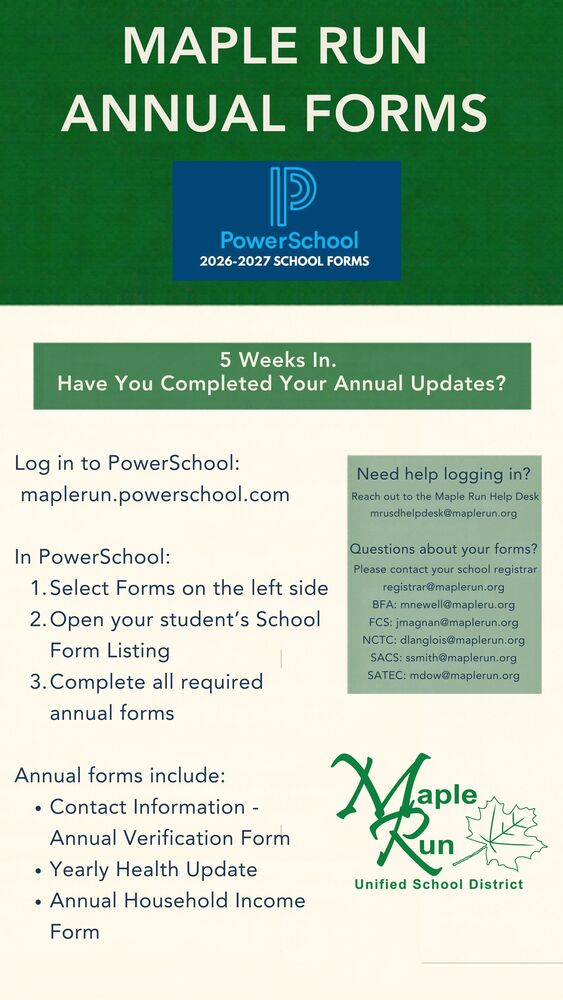
5 Weeks In. Is Your Annual Update Complete?
Every student needs to have their annual PowerSchool forms completed at the beginning of each school year.
Please take a few minutes to log in and check your student’s Forms section.
Log in to PowerSchool:
maplerun.powerschool.com
In PowerSchool:
Select Forms on the left side
Open your student’s School Form Listing
Complete all required annual forms
Common annual forms include:
Contact Information – Annual Verification Form
Yearly Health Update
Annual Household Income Form
Need help logging in?
MRUSD Help Desk: mrusdhelpdesk@maplerun.org
Questions about your forms?
Please contact your school registrar: registrar@maplerun.org
Thank you for taking a few minutes to make sure your student’s information is up to date.